Simulators
| Simulator | Scenes and data | Status |
|---|---|---|
| MuJoCo | any MJCF model; mujoco.Renderer or robosuite backends |
supported |
| LIBERO (robosuite 1.4) | LIBERO tasks and HDF5 demo datasets, 9 robot options | supported |
| RoboCasa (robosuite 1.5) | procedurally generated kitchens, LeRobot demo datasets | supported |
| Isaac Sim 6.x | any USD stage, RTX rendering | supported: psf, raycast |
MuJoCo
twinrobo.plugins.mujoco renders a MuJoCo camera at the twin's resolution and
paraxial FoV, from the same camera pose, with metric depth, and runs the
TwinRobo pipeline. MujocoCameraTwin(twin, backend, camera=...) works with
MujocoRenderer(model, data) for plain MuJoCo and RobosuiteRenderer(env)
inside robosuite (a second mujoco.Renderer in a robosuite process corrupts
robosuite's renders).
LIBERO
pip install -e ".[libero]"
export LIBERO_ROOT=/path/to/LIBERO                 # checkout containing libero/libero
export LIBERO_CONFIG_PATH=/dir/with/libero/config  # avoids LIBERO's stdin prompt
export MUJOCO_GL=egl
from twinrobo import CameraTwin
from twinrobo.datasets.libero import CameraTwinLiberoEnv, make_env

env, task, init_states = make_env("libero_spatial", 0, resolution=128)
twin = CameraTwin.from_catalog("stereolabs/zed-x/2.2mm")
env = CameraTwinLiberoEnv(env, {"agentview": twin})
env.seed(0)
env.reset()
obs = env.set_init_state(init_states[0])  # obs["agentview_image"] comes from the twin
- Online:
CameraTwinLiberoEnvreplacesobs[f"{camera}_image"], keeping its shape, dtype and image convention, so eval scripts and policies run unchanged. - Replay: demos replay from their recorded states
(
twinrobo.datasets.libero.replay), so any camera can be placed in a recorded episode. - Geometry: the twin's frame is center-cropped to the observation's aspect
ratio and area-resized.
match_fov=Falsekeeps LIBERO's FoV and applies only the optics. - Robots: besides the Franka Panda, robosuite's Sawyer, UR5e, KUKA iiwa,
Kinova Jaco and Kinova Gen3 are registered for LIBERO scenes
(
twinrobo.datasets.libero.robots, LIBERO unmodified). Multi-camera variants of the Panda, UR5e and Gen3 carry a ZED X Mini stereo module at the wrist and an over-the-shoulder camera; cameras add no joints, so a variant replays its base arm's demos. - Exact replay: LIBERO randomizes the poses of its jointless fixtures (cabinet, stove, ...) per episode, outside the recorded state. TwinRobo applies each episode's fixture poses from its model XML, which raised replay-vs-stored-image PSNR from about 26 to about 35 dB.
Measured on libero_spatial task 0, RTX 3090, example spec at 1920x1200:
| Step time (wrapped, agentview only) | about 300-340 ms (render ~15 ms, optics the rest) |
| Identity twin at LIBERO FoV/res vs original obs | exact (at most 1/255, sRGB round trip) |
| Optics effect at 128 / 256 / 512 px (ideal vs twin, same FoV) | 43 / 39.6 / 36.5 dB |
At LIBERO's 128 px, a sharp lens's 2-3 px blur at 1920x1200 is mostly downsampled away and the camera's geometry dominates. Optics matter at higher policy resolutions, with blurrier lenses or close focus.
RoboCasa
RoboCasa brings realistic scenes: procedurally assembled kitchens with textured
fixtures, appliances and Objaverse objects, and human demos of the PandaOmron
mobile manipulator. Each episode stores its generated kitchen
(model.xml.gz) and its simulator states, so it is replayed exactly: 35-37 dB
against the recorded (H.264) videos.
RoboCasa needs robosuite 1.5 and LIBERO needs 1.4.1, so each gets its own environment:
conda create -n twinrobo-robocasa python=3.12 -y
conda activate twinrobo-robocasa
pip install -e ".[dev]"
pip install "numpy==2.2.5" "numba==0.61.2" "scipy==1.15.3" "mujoco==3.3.1" \
    warp-lang pyarrow h5py matplotlib "imageio[ffmpeg]"
pip install --no-deps "robosuite @ git+https://github.com/ARISE-Initiative/robosuite@5ce6643f" \
    "robocasa @ git+https://github.com/robocasa/robocasa@4f8a2980"
export ROBOCASA_ASSETS=<robocasa asset pack>   # objects/, textures/, fixtures/, ...
The asset pack is linked into the installed package; the pack is not modified.
from twinrobo.datasets.robocasa import env_args, make_env, read_episode, reset_to_episode, setup_robocasa

setup_robocasa()  # checks robosuite 1.5, links $ROBOCASA_ASSETS
env = make_env(env_args(dataset_dir))  # a LeRobot dataset dir (meta/, extras/)
states, kitchen_xml, ep_meta = read_episode(dataset_dir, "episode_000000")
reset_to_episode(env, kitchen_xml, ep_meta)  # the episode's own kitchen
env.sim.set_state_from_flattened(states[t])  # then render any camera at frame t
- Loading an episode takes about 10 s: every episode has its own kitchen. Frames within an episode are fast.
- Ray cast costs about 2.2 s per 1920x1200 frame in a kitchen (570k triangles).
- Robot: PandaOmron, the robot the demos were recorded with.
Isaac Sim
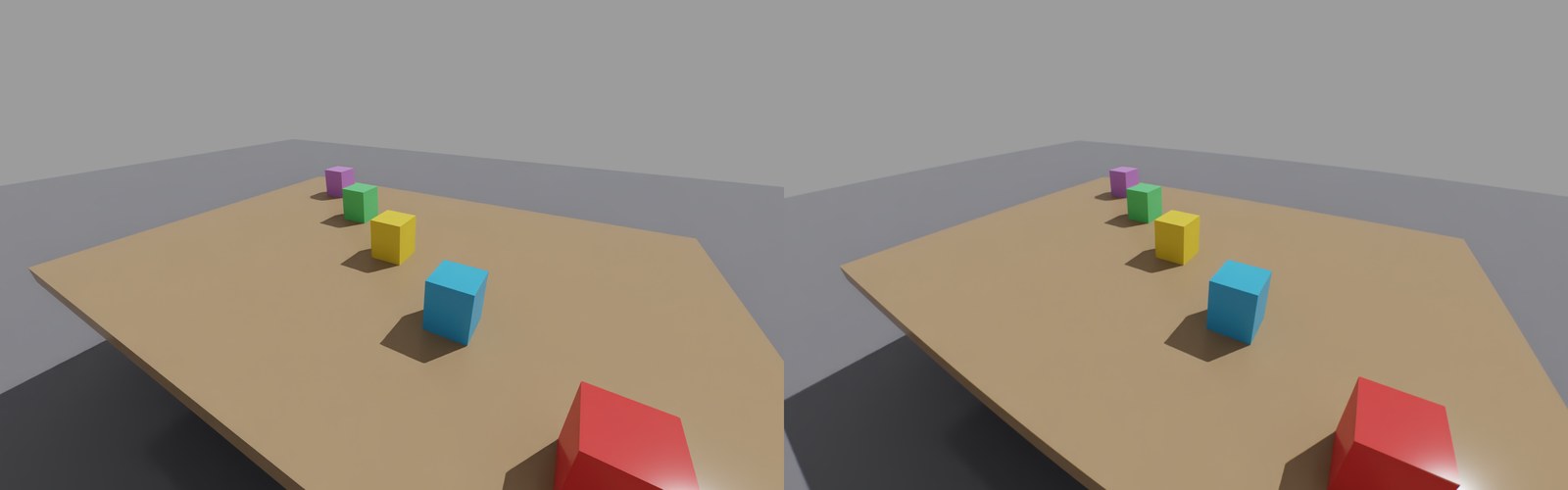
twinrobo.plugins.isaac.IsaacCameraTwin renders a USD camera's view through a twin,
with the same interface as the MuJoCo adapter:
from twinrobo import CameraTwin
from twinrobo.plugins.isaac import IsaacCameraTwin

twin = CameraTwin.from_catalog("stereolabs/zed-x/2.2mm")
cam = IsaacCameraTwin(twin, "/World/Camera")  # any UsdGeom.Camera prim
frame = cam.get_frame()                       # renders, then runs the optics
frame.rgb                                     # linear RGB on the GPU (force_depth=True for depth)
cam.close()                                   # removes what it added to the stage
- Non-invasive: your camera is not changed. The adapter adds a child camera
(
<camera>/TwinRoboView) with the twin's intrinsics (focal length over aperture = fx over width) and a Replicator render product withrgbanddistance_to_image_planeannotators.match_fov=Falsekeeps your camera's own lens and applies only the optics. - GPU end to end: annotator data is read as Warp arrays and viewed as torch tensors without a copy; depth is converted from stage units to meters.
- Rendering:
get_frame()renders a frame withrep.orchestrator.step(the timeline is not advanced). In your own loop, afterworld.step(render=True), callget_frame(step=False).rt_subframestrades speed for less RTX ghosting after large motions. - Near clip: USD's default near clip is 1 scene unit, 1 m on a meter stage,
which hides what a robot camera sees up close; the view uses
near_clip_m=0.01instead. - Ray casting:
render="raycast"traces every pixel's rays through the real lens, as in MuJoCo:
twin = CameraTwin.from_catalog("stereolabs/zed-x/2.2mm", build_psf=False)
cam = IsaacCameraTwin(twin, "/World/Camera", render="raycast")
The shading views are child cameras (<camera>/TwinRoboPupil<i>) shifted across
the lens' entrance pupil; they render in the same Replicator step as the main
view. Ray cast intersects every ray with the stage's triangles: every visible
mesh, cube, sphere, cylinder, capsule, cone and plane (instance proxies
included), posed each frame from USD and converted to meters, in one NVIDIA
Warp BVH. build_psf=False skips the PSF bank, which only psf uses.
- Tested (tests/plugins/isaac/):
- psf: a marker lands within 1 px of the pixel the twin's intrinsics
predict; depth is metric (the wall 2.99 m away, an object 30 cm away);
match_fov=False keeps the camera's lens; close() leaves the stage as it
was.
- raycast: a marker lands within 0.1 px of where the lens' chief
ray points (a paraxial pinhole would put it ~5 px away).
- raycast: the blurred edges of a 6 mm post 0.3 m away (the lens focused at
3 m) match the exact coverage computed from the traced rays to ~0.03;
pinhole + PSF errs by ~0.13.
Installing Isaac Sim
From PyPI, Isaac Sim 6.1 and TwinRobo in one environment (Python 3.12, Ubuntu 22.04 or later; one of Isaac Sim's packages comes from NVIDIA's index):
conda create -n twinrobo-isaac python=3.12 -y && conda activate twinrobo-isaac
pip install "twinrobo-core[isaac]" --extra-index-url https://pypi.nvidia.com
git clone https://github.com/TwinRobo/TwinRobo-Core.git   # for the examples
OMNI_KIT_ACCEPT_EULA=YES python TwinRobo-Core/examples/01_isaac_camera.py \
    --out outputs/isaac_camera.png   # the variable accepts NVIDIA's license
This brings torch 2.11 with Isaac Sim, and Isaac Sim's own MuJoCo (3.11), so keep it apart
from the mujoco extra (3.3.2).
Running in Docker
The NVIDIA Isaac Sim image ships its own Python 3.12 and torch (2.11 in 6.1) in extension
folders that pip does not see, so a plain pip install there would pull a second torch.
The image in docker/isaac/ installs DeepLens without dependencies on Isaac's torch
(tested with Isaac Sim 6.1.0 on an RTX 3090):
docker pull nvcr.io/nvidia/isaac-sim:6.1.0   # needs the NVIDIA Container Toolkit
docker/isaac/run.sh examples/01_isaac_camera.py        # -> outputs/isaac/isaac_camera.png
docker/isaac/run.sh -m pytest -q tests/plugins/isaac
run.sh builds the twinrobo-isaac image on first use and mounts this repo
read-only, so edits apply without a rebuild. Output written to
/workspace/outputs appears in outputs/isaac/. Shader, Warp and PSF caches
persist in named volumes (twinrobo-isaac-*). The first run compiles Isaac's
shaders (about 2 minutes); later runs start in under a minute.
Isaac performance and limits
| 1920×1200, ZED X 2.2 mm, RTX 3090 | Time per frame | GPU memory (whole process) |
|---|---|---|
psf |
~0.2 s of optics after the RTX render | not measured |
raycast, 7 shading views |
~1.5 s (0.9 s of it lens rays) | ~16 GB |
- Each shading view is a full RTX render product (2594×1662 for this wide lens),
so memory grows with
pupil_views; usepupil_views=3or a lower sensor resolution on smaller GPUs. The one-time lens trace needs ~4 GB of scratch, released before rendering. - Poses for ray casting are read from USD, so a simulation must write them
there (the default for scripted prims; for physics, keep USD updates on).
Deforming meshes keep their first shape; point instancers are not ray cast;
prims added after the first frame are not ray cast until a new
IsaacCameraTwinis made. - The render is centered with square pixels, as in MuJoCo; an off-center principal point in calibrated intrinsics is not rendered.
Known constraints
- DeepLens requires Python 3.12 and pins
torch. Isaac Sim 6.x also targets Python 3.12 and runs DeepLens on its own torch 2.11 (see above); older Isaac releases cannot import DeepLens. - LIBERO officially predates numpy 2; it works on this stack in the tests, but it is outside LIBERO's supported configuration.